
Before you begin
- Project details, checklist results, photos, notes, and sign-off data
Complete the inspection record
Choose report and PDF presentation options
Generate the report and review the exported files
Review the result
- A generated PDF report and related export files
What to keep in mind
- Some report styles and templates may depend on the app edition or selected access plan.
Check the source record and then the exported PDF
Review the project identity, inspection results, photos, notes, and sign-off data before generating the file. Choose the template, PDF style, and signature inclusion for the intended recipient. Some styles depend on the edition or access plan, so check the options actually available in your installed app.
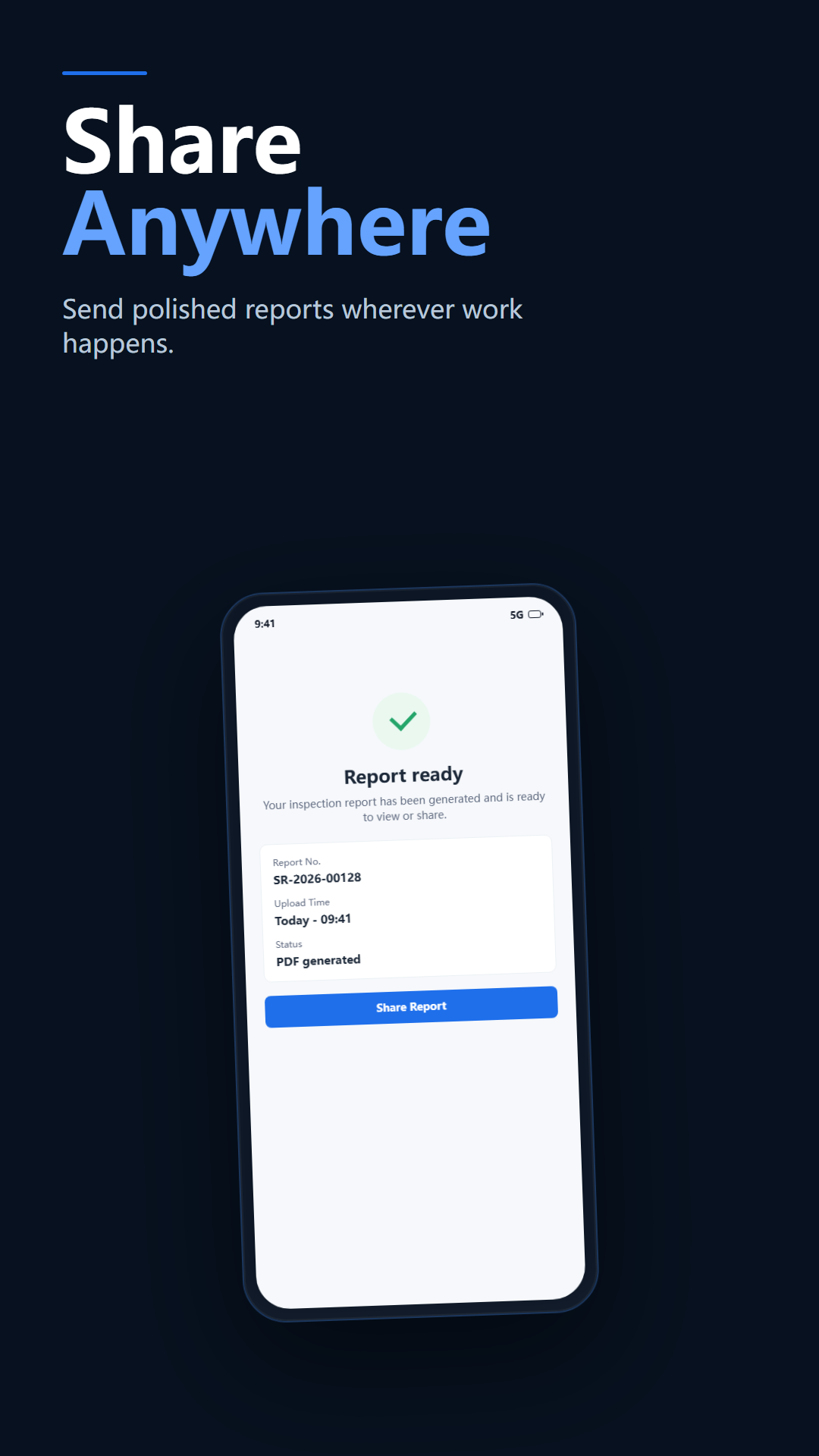
Open the generated PDF and check the project name, readability of photos, findings, and signature presentation. If something is missing, check the source record and template options before generating a replacement. Open the replacement too, and make sure you select that file when sharing. Creating a PDF and delivering it to the recipient are separate checks.